Security
Get the latest Technology Security Tips. Stay up to that and Stay Safe.
 Updated
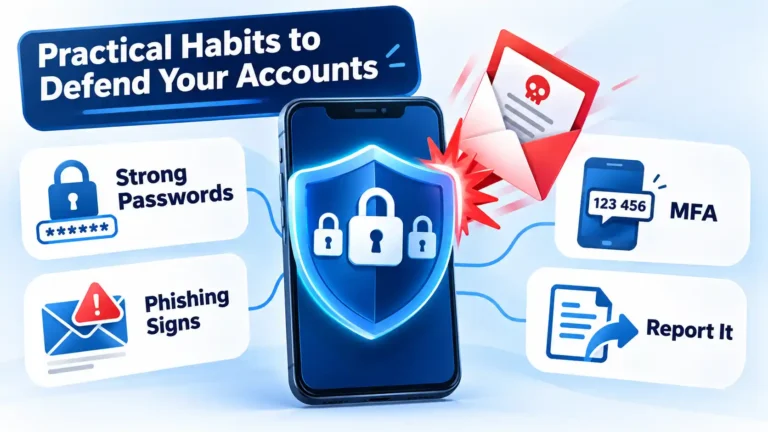
How to Protect Yourself From Online Scams: Passwords, Phishing, MFA, and Reporting
Most online scams exploit a reused password, a rushed click, or an account with no second lock. This guide walks through a practical, ordered routine: strong unique passwords, phishing recognition, MFA, independent verification, and reporting to the right authority.
 Updated
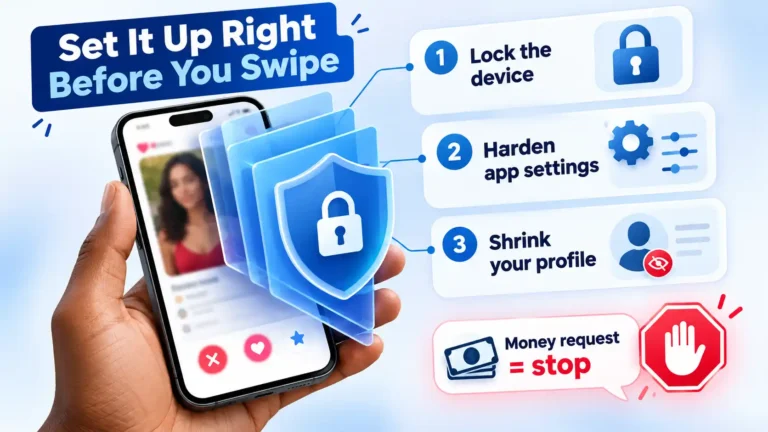
How to Protect Your Privacy and Personal Safety on Dating Apps
Dating-app risk cannot be eliminated, but it can be reduced. This platform-agnostic guide covers device prep, privacy settings, profile minimization, scam red flags, safer meetings, and recovery steps.
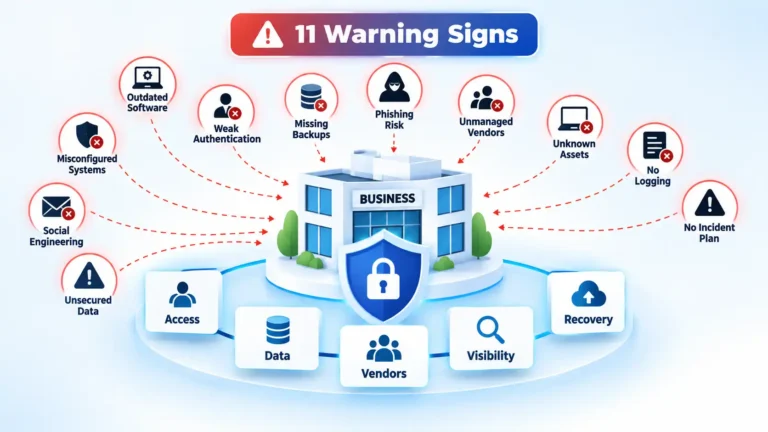
11 Crucial Signs Your Business Needs to Consider Cybersecurity
Cybersecurity weaknesses are not always obvious before an incident. These 11 warning signs help businesses identify gaps in backups, patching, authentication, employee procedures, vendor access, monitoring, governance, incident response, and recovery so the most consequential risks can be addressed first.
 Updated
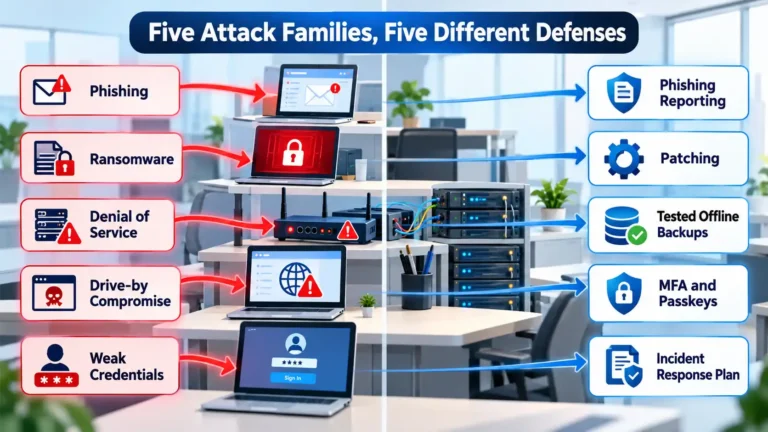
The Most Common Cyberattacks Modern Offices Face, and How They Work
Most office breaches come from a handful of ordinary, well-documented attack types. This explainer walks through how phishing, ransomware, denial-of-service, drive-by compromise, and credential weakness actually work — and why each one needs a different defense.
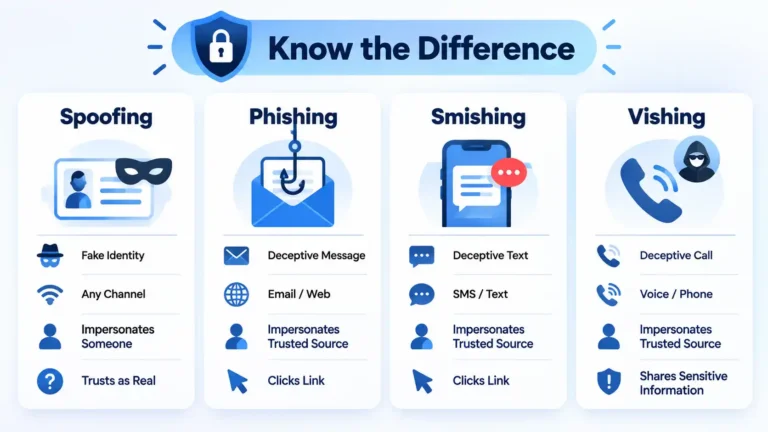
Spoofing vs Phishing vs Smishing vs Vishing: What’s the Difference?
Spoofing falsifies identity, while phishing manipulates someone into taking an unsafe action. Smishing and vishing are phishing variants delivered by text and voice. This comparison explains how all four differ, where they overlap, and how to respond safely.
 Updated
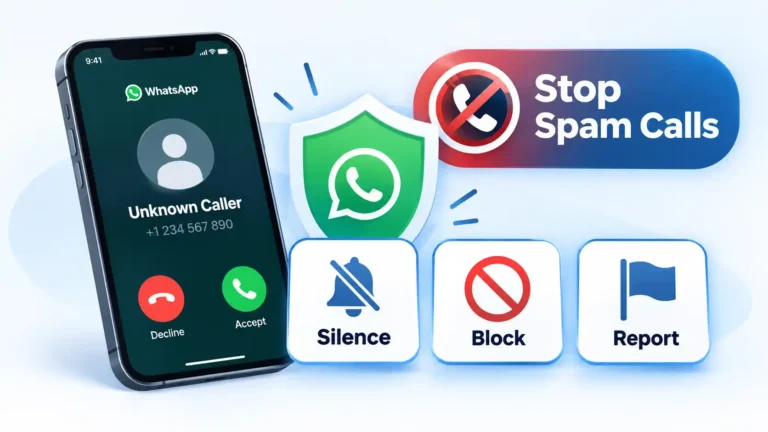
How to Stop WhatsApp Spam Calls for Good
WhatsApp can silence qualifying unknown calls so they no longer ring while keeping them visible for later review. This guide explains how to enable the feature, when to block or report a caller, and which additional privacy controls address different risks.
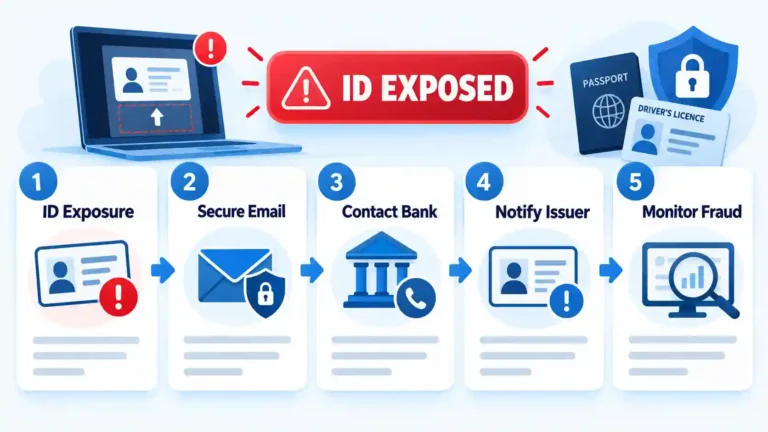
What to Do After Uploading Your ID to a Scam Website
Uploading an ID to a scam website does not guarantee identity theft, but it requires a prompt, structured response. This guide explains how to secure exposed accounts, contact the document issuer, report the incident, and monitor for delayed misuse.
 Updated
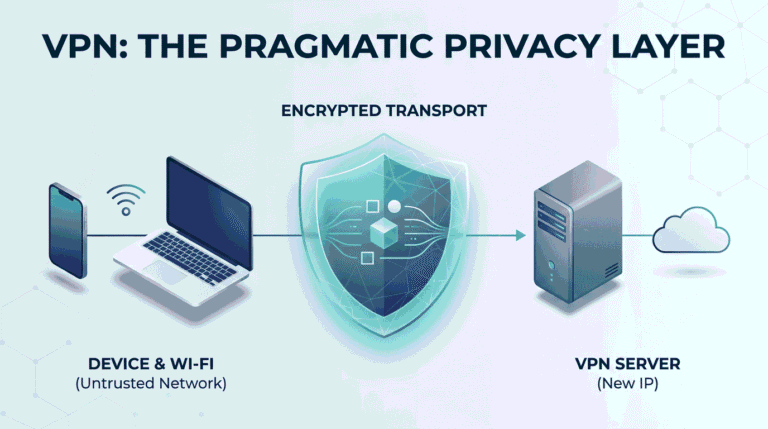
What a VPN Is (and Why You Might Actually Need One)
A VPN creates an encrypted connection between your device and a VPN server, changing the network path and public IP seen by destinations. This guide explains where that protection starts and stops, when a VPN helps, and which security problems it cannot solve.
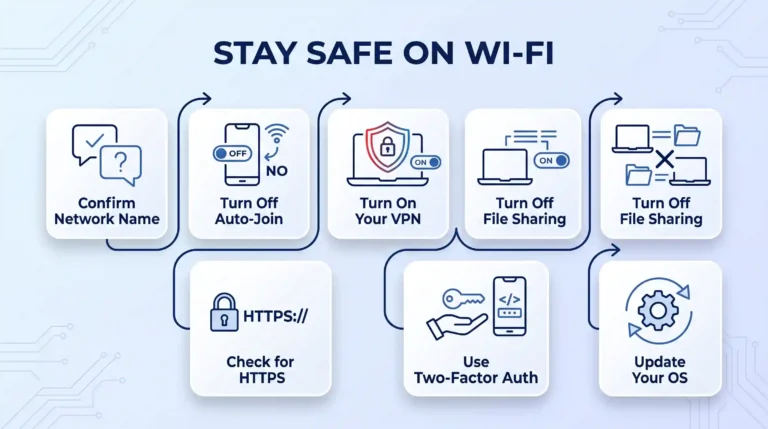
How to Stay Safe on Public Wi-Fi: A Step-by-Step Guide
Public Wi-Fi risk comes down to a handful of settings, not luck. This guide walks through confirming the network name, turning off auto-join, running a VPN correctly, and the specific troubleshooting steps for iPhone, Android, Windows, and Mac when something doesn't work as expected.
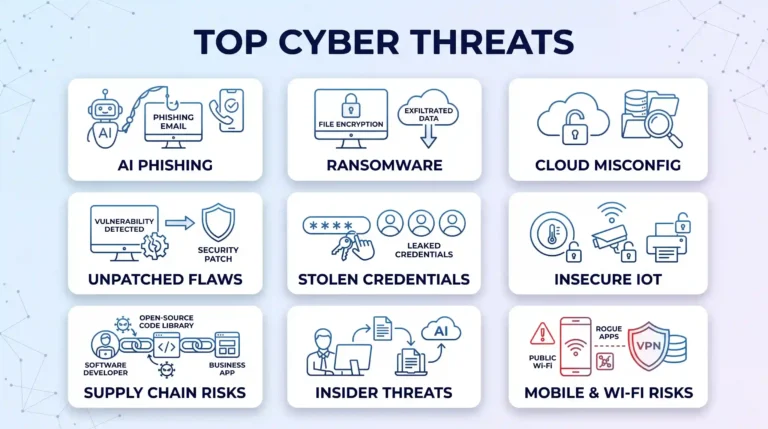
9 Biggest Cybersecurity Risks (And How to Protect Yourself)
Discover the 9 biggest cybersecurity risks impacting individuals and businesses today. From AI-enhanced phishing and ransomware to cloud misconfigurations, learn the exact defensive habits and tools needed to keep your personal accounts and sensitive digital assets safe from modern online attacks.
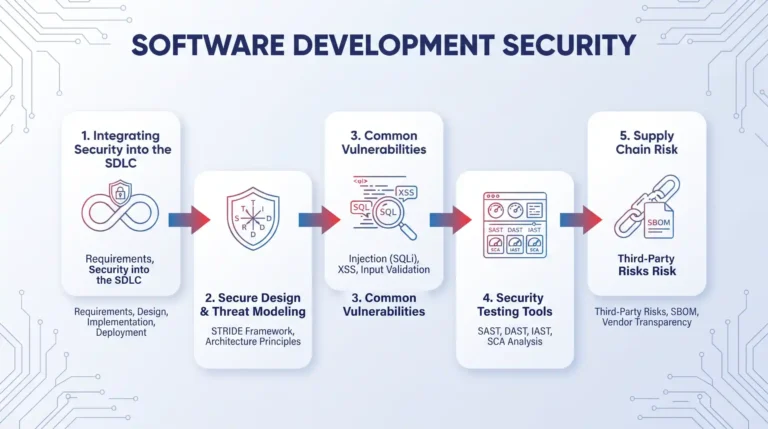
CISSP Domain 8 Study Guide: Software Development Security Explained
Master CISSP Domain 8 (Software Development Security) with this beginner-friendly study guide. Learn how to integrate security into the SDLC, apply STRIDE threat modeling, identify common application vulnerabilities, and choose the right automated testing tools for the exam.
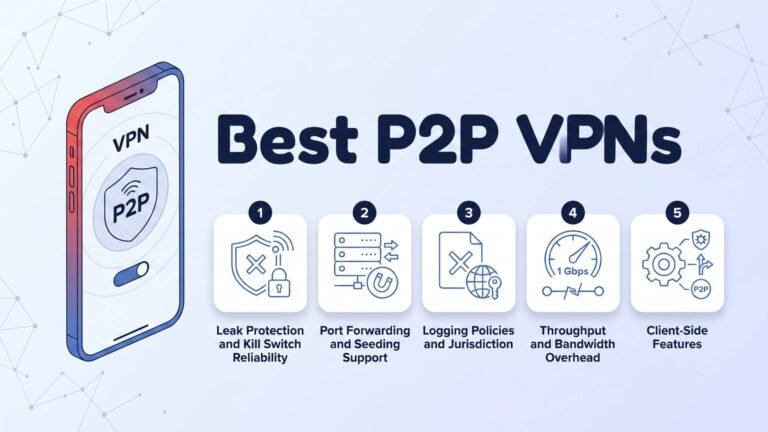
Top 5 VPNs for Torrenting: Tested for Speed, Security, and Port Forwarding in 2026
Torrenting exposes your public IP to every peer in the swarm, making security non-negotiable. We tested leak protection, kill switches, port forwarding, no-logs policies, and real-world speeds across five top providers to find which VPNs actually protect P2P downloads without sacrificing performance in 2026.
 Updated
4 Key Challenges In Cybersecurity That Businesses Have To Deal With
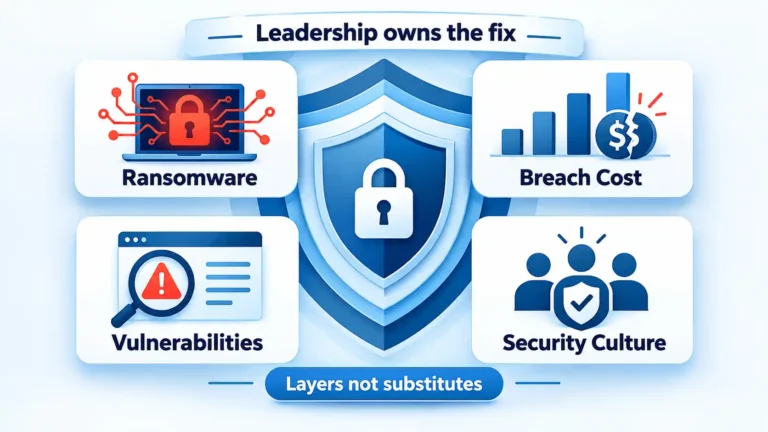
Most business breaches trace to a short list of fixable failures: unpatched systems, untested backups, injection-prone applications, and a security culture nobody owned. Here are the four challenges that matter and the concrete steps to solve them.
 Updated
How to Help Older Relatives Use Social Media Safely
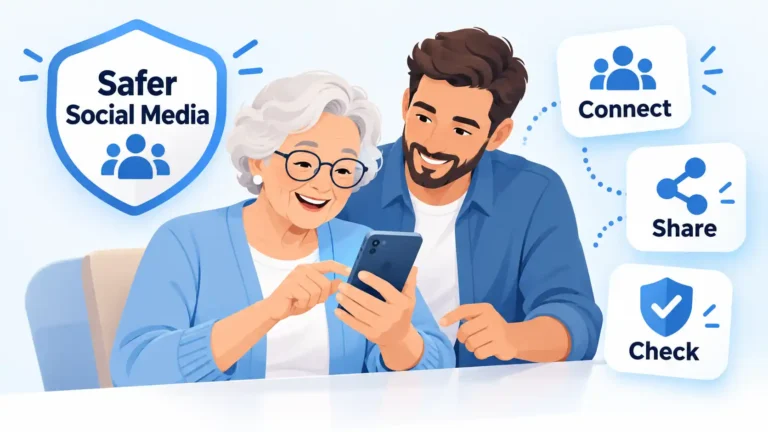
Help an older relative enjoy social media without taking over. Work together on Facebook post audiences, WhatsApp group settings and family-photo privacy, then practise checking an unexpected request. Learn why familiar profiles and voices can mislead, and where to get help if something goes wrong.
 Updated
11 Smart Technology Integrations for Safer Public Spaces
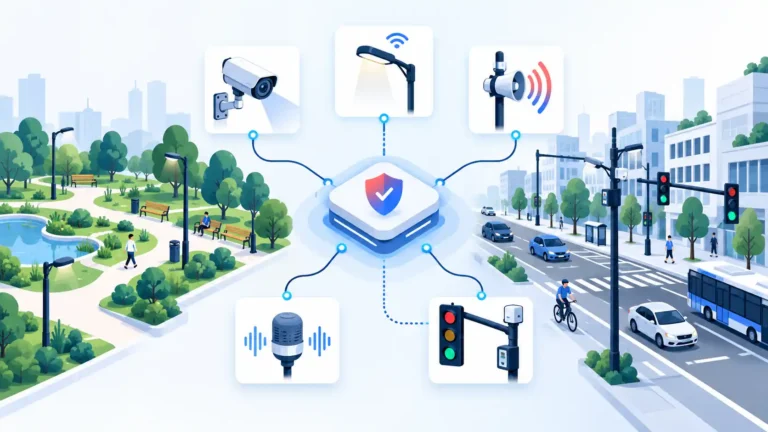
Public safety technology includes much more than security cameras. Explore 11 systems that help monitor hazards, manage access, communicate emergencies, and support responders, with practical explanations of where each technology works and the limitations that matter.
 Updated
Can People See If You Search Them on Facebook?
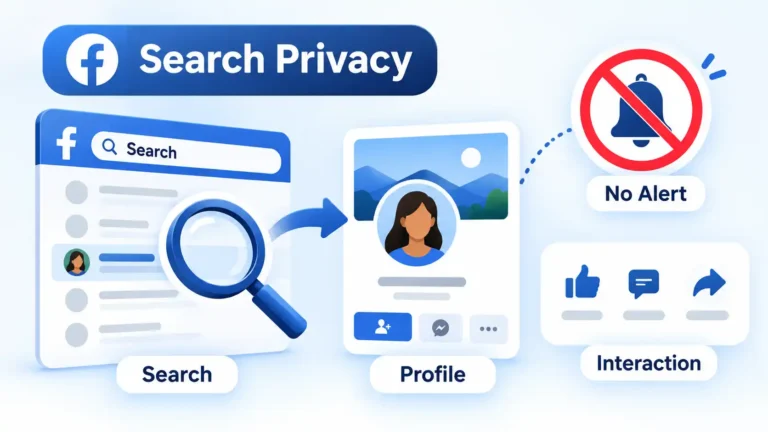
Facebook does not tell someone that you searched for their name or silently opened their personal profile. This guide separates private searches from visible actions such as friend requests, messages, reactions, Story views, and other interactions.
 Updated
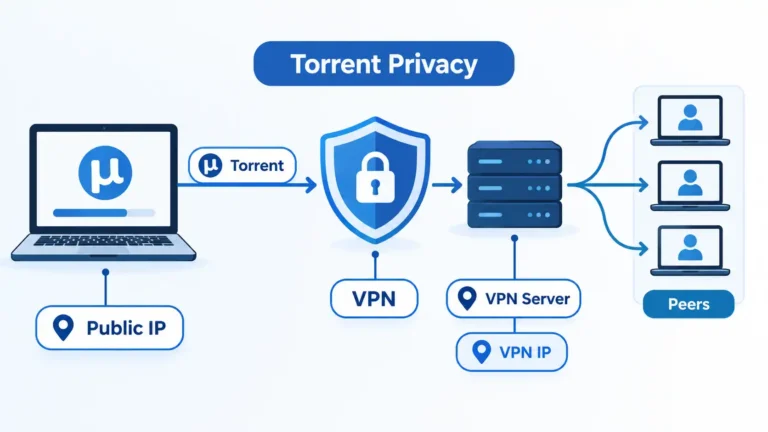
Do You Need a VPN for Torrenting? What It Actually Protects
BitTorrent does not require a VPN to work, but a VPN can reduce direct exposure of your normal public IP to torrent peers. This guide explains the network change, its limits, and the P2P, kill-switch, and client settings worth checking.
 Updated
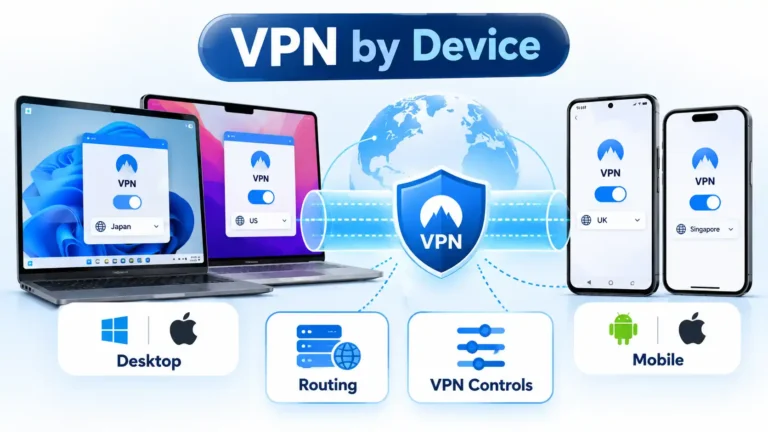
Desktop vs Mobile VPN: What Changes on Windows, Mac, Android and iPhone?
The same VPN can behave differently on Windows, macOS, Android, and iPhone. This comparison explains how operating-system controls, routing, split tunneling, network transitions, and mobile background management affect the VPN experience on each device.
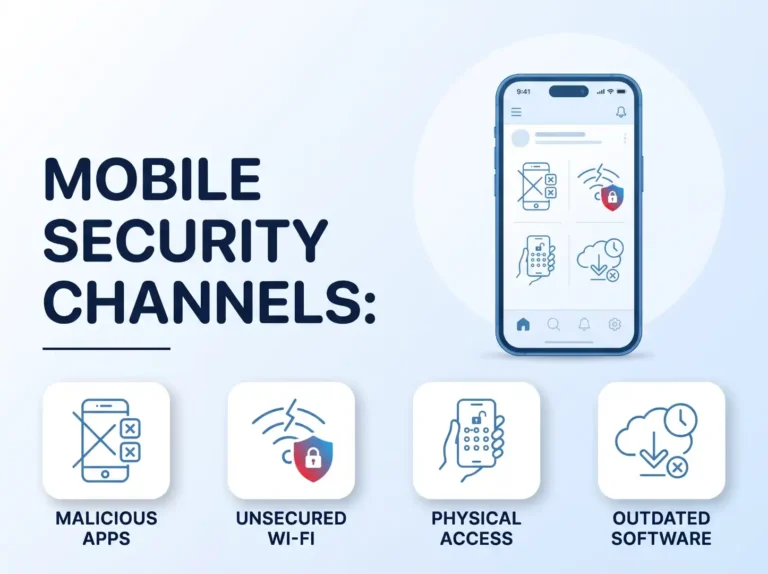
Mobile Security and VPNs: How They’re Actually Connected
A VPN encrypts the connection between your phone and the internet, which is exactly why it helps on public Wi-Fi and exactly why it can't stop malicious apps, phishing, or a stolen device. This piece breaks down precisely where mobile security and VPNs overlap - and where they don't.
 Updated
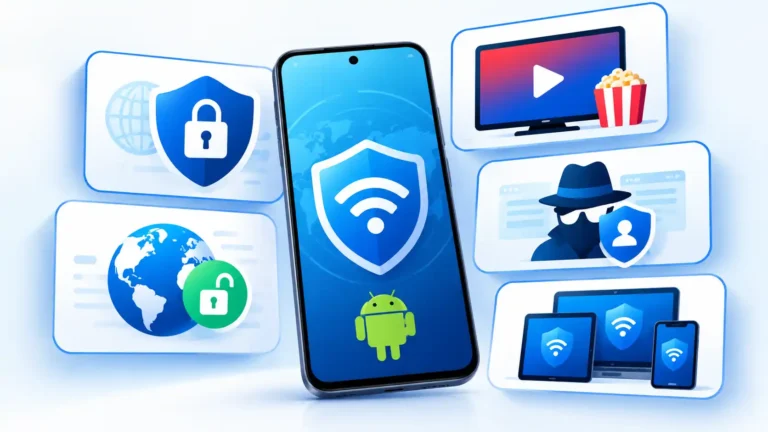
Best Android VPN Apps in 2026: 5 Picks by Use Case
Five Android VPNs suit different needs. This research-based comparison looks at privacy evidence, Android controls, free access, streaming support, account design, and device limits without pretending that one provider is the right choice for everyone.
 Updated
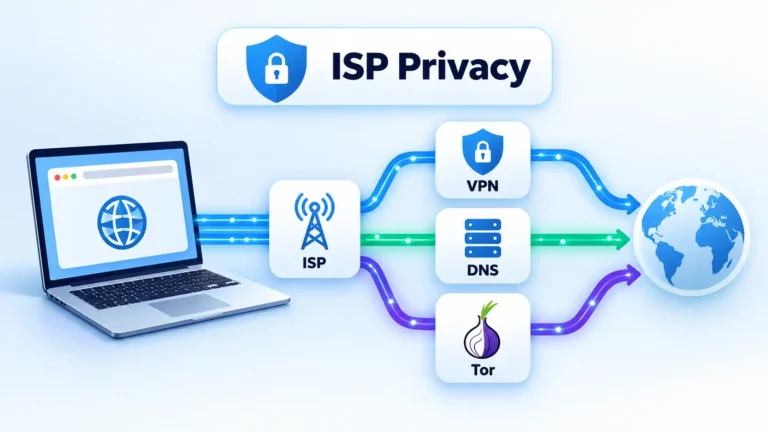
How to Hide Browsing History From Your ISP
Your ISP may still learn useful information about your internet connections even when websites use HTTPS. This guide explains what VPNs, Tor, encrypted DNS, proxies and private browsing actually protect, then shows how to check whether your chosen setup is working.
 Updated
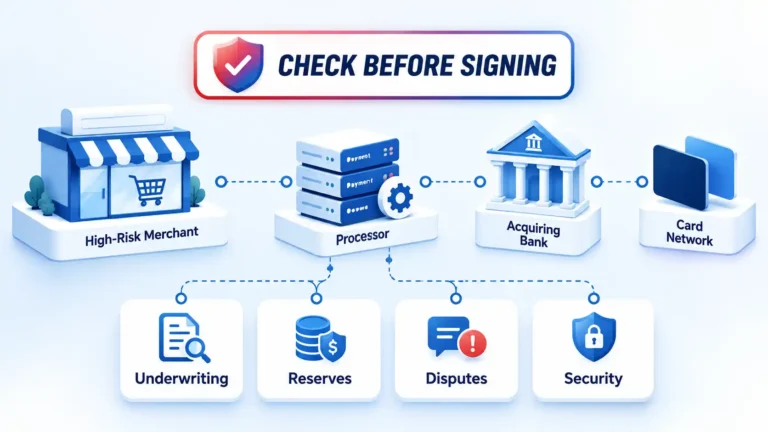
High-Risk Payment Processing: Precautions Before You Sign Up
High-risk payment processing involves more than finding a provider willing to approve your business. Review underwriting fit, reserves, settlement timing, account limits, dispute exposure, payment security, customer policies, and termination terms before you sign.
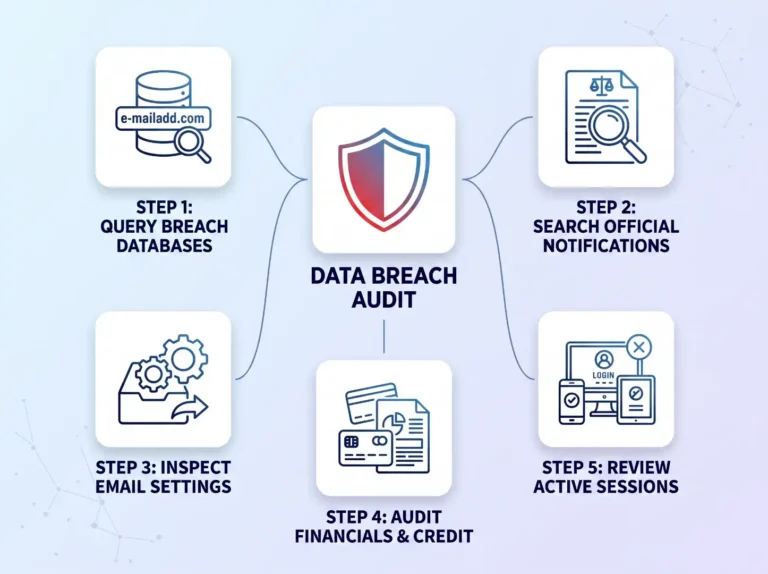
How to Tell If Your Data Has Been Compromised
Discover how to tell if your personal data has been compromised in a breach. This practitioner guide walks you through querying leak databases, auditing credit files, spotting session hijacking, and locking down your online accounts before bad actors strike.
 Updated
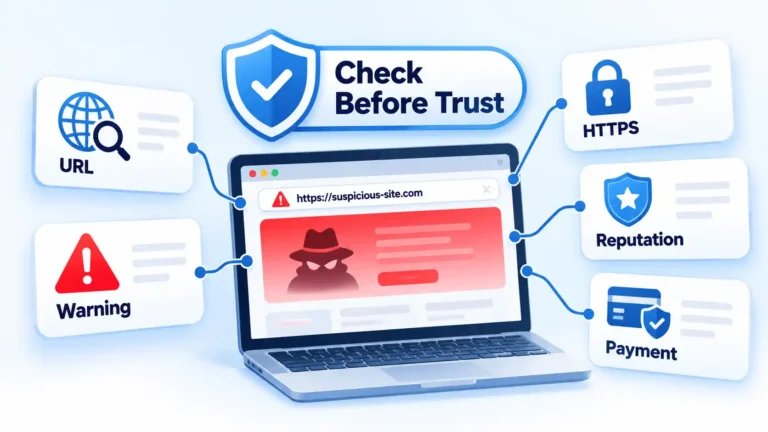
How to Know if a Website Is Safe: 10 Checks That Matter
No single padlock, review score, or website scanner can prove that a site is safe. These 10 checks help you examine the domain, browser warnings, HTTPS connection, reputation, business details, reviews, and payment behavior before deciding whether to continue.